Categories
Technology

Google expands play age signals to apps globally

Google is taking its next major step towards making Android apps safer for younger users by expanding its age-assurance technology worldwide. The company has announced that its Play Age Signals API, which helps developers access age-related information, will roll out globally by the end of 2026.

The technology is designed to help app developers understand a user’s age group without requiring them to collect an exact date of birth. That could make it easier for apps to provide age-appropriate content and features while reducing the need to gather sensitive personal information directly.

Google has already made the technology available in Brazil. Australia and Canada are expected to receive access by mid-August, followed by a wider international rollout that is scheduled to reach all markets by the end of this year.

The announcement comes at a time when age verification is becoming a bigger issue for the technology industry. Governments are introducing new rules designed to protect children online, putting pressure on app stores and developers to know more about the age groups using their services.

For users, the idea is relatively simple. Instead of an app asking for a precise birthday, it can use an age signal supplied through Google Play. The information can help the developer determine whether the user falls into a particular age group and adjust the experience accordingly.

Parents will have an important role in the system. Google is linking the age-assurance feature with Family Link, its existing parental-control platform. Parents can provide their child’s age range through the centralised controls, allowing participating apps to access the information when they support the age-signals system.

Google says parents will have to opt in before their child’s age range is shared. It will not be automatically provided to every app. This is intended to give families greater control over when and how age information is used.

Adults can also share their age when an app asks for it. That gives developers the flexibility to create different experiences for adults and younger users without necessarily collecting a detailed personal profile.

The technology could be particularly useful for apps that contain content or features that may not be suitable for children. Developers could use age signals to introduce restrictions, change features or provide different experiences depending on the user’s age group.

Google’s official documentation describes Play Age Signals as a beta API. Developers must request access and follow specific rules when using the information. They are also responsible for making sure their apps comply with local laws and Google Play policies.

There are strict limits on how the age information can be used. Google says developers cannot use Play Age Signals for advertising, marketing, user profiling or analytics. The information is intended for age-appropriate experiences and compliance with applicable regulations.

This restriction is important because age verification can create privacy concerns of its own. Asking users to submit government identification, facial scans or other sensitive information can create new risks if such data is stored or misused. Google’s approach focuses instead on sharing an age-related signal rather than routinely handing developers a user’s exact birth date.

The company also says the Play Age Signals client library does not collect data itself. The system works through Google Play, which handles the relevant processes. This gives Google a way to offer age-assurance capabilities while limiting what individual app developers need to collect.

The move brings Google closer to Apple, which has also been expanding age-verification capabilities for its app ecosystem. Both companies are responding to a broader shift in online regulation, where age assurance is increasingly being treated as an important part of child safety.

Google already has several tools aimed at protecting younger users. Through Family Link, parents can approve app downloads, manage screen time and apply content filters. Google Play also provides controls that can prevent children from discovering certain apps. The new age signals give developers another tool to build safety measures directly into their applications.

The global rollout is therefore likely to have a practical impact beyond simple age checks. Developers may increasingly build age-specific interfaces, content restrictions and parental approval systems into their Android applications.

Google’s decision reflects a broader change in how technology companies are approaching child safety. The industry is moving away from relying entirely on users to declare their age and towards platform-level systems that can provide developers with verified or trusted age information.

The challenge will be finding the right balance. Children need stronger protection online, but adults also expect their personal information to remain private. Google’s age-assurance system attempts to address both concerns by giving developers useful age signals while limiting access to detailed personal information.

As the Play Age Signals API expands across Android markets, its success will ultimately depend on how widely developers adopt it and how effectively they use the information. By the end of 2026, age assurance could become a much more visible part of everyday Android app experiences, changing how developers design services for children, teenagers and adults.
Categories
Technology

Google showcases next-generation AI tools

Google has unveiled a range of new artificial intelligence features for Android devices along with a new AI-powered laptop platform called GoogleBook during its Android Show 2026 event.

The company introduced “Gemini Intelligence”, an upgraded AI assistant integrated directly into Android smartphones and tablets. Google said the system is designed to help users perform tasks more naturally through voice and text commands.

According to the company, Gemini Intelligence can summarise conversations, organise information, draft messages and assist users across multiple apps. Google said the AI will make Android devices more personalised and interactive.

Another major announcement was GoogleBook, a lightweight laptop platform built around AI-powered tools. Google showcased features such as real-time summarisation, smart writing assistance, voice-based commands and AI-supported search.

The company demonstrated how users could ask Gemini to manage schedules, write emails, edit photos and retrieve information from files using simple conversational prompts.

Google said more details about the rollout of Gemini Intelligence and GoogleBook will be shared during its upcoming developer conference, Google I/O.

Industry experts believe the announcements highlight Google’s push to compete aggressively in the rapidly growing AI market, where companies including Microsoft, Apple and OpenAI are introducing similar technologies. Google said the new AI features will also improve services like Maps, Search, messaging and accessibility tools on Android devices.

Also Read: Air India cuts overseas flights due to fuel costs hike

Categories
Technology

Chrome update brings bookmarks bar to Android

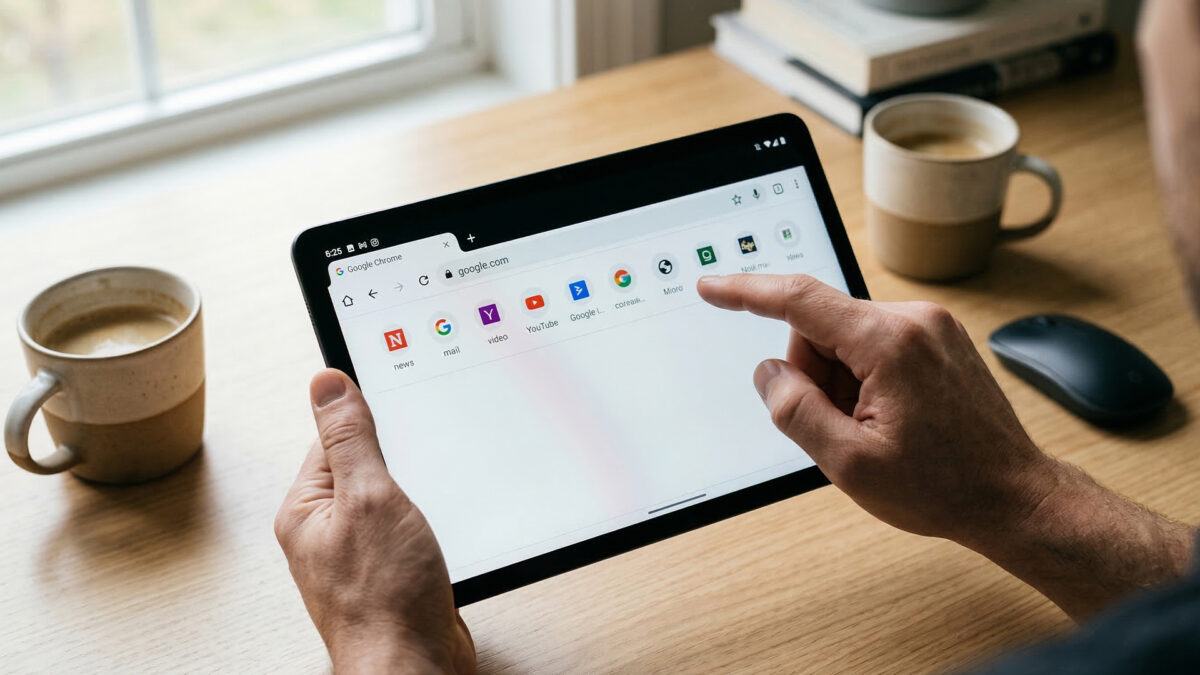
Google has begun rolling out a new update to its Chrome browser on Android that introduces a bookmarks bar for tablets and foldable devices, making it easier for users to access their favourite websites.

The feature, commonly used on desktop browsers, appears just below the address bar and displays saved websites for quick access. With a single tap, users can open frequently visited pages without navigating through the bookmarks menu.

Until now, Android users had to open the bookmarks section separately to reach saved links. The new bookmarks bar reduces that extra step, allowing quicker browsing and easier navigation—especially on devices with larger displays.

Users can also organise bookmarks into folders, helping them group websites based on categories such as work, news or entertainment. If the number of saved links exceeds the space available on the screen, an arrow icon appears at the end of the bar to show additional bookmarks.

The feature is available in the latest version of Chrome for Android and can be enabled in the browser’s settings. Users can turn it on by going to the “Appearance” section and selecting the option to show the bookmarks bar. However, the feature is mainly designed for tablets and foldable phones, meaning it may not appear on smaller smartphone screens.

As tablets and foldables become more common for productivity and multitasking, companies are increasingly adapting software to take advantage of bigger screens.

Also Read: upGrad to acquire Unacademy

Categories
Technology

Over a billion Android phones at risk

More than one billion Android smartphones worldwide are now vulnerable to hacking, data theft and malware attacks after Google stopped providing security updates for older versions of its operating system. The warning highlights a growing digital safety concern for millions of everyday users who continue to rely on ageing devices for banking, communication and work.

Google’s latest data shows that over 40 per cent of Android phones are running on Android 12 or older. These versions no longer receive regular security patches, which means newly discovered flaws are left unaddressed. Cybercriminals often target such weaknesses to install spyware, steal passwords or gain unauthorised access to personal data.

The problem is not limited to very old or low-cost phones. Several popular models that were considered premium just a few years ago have also reached the end of their software support cycle. Once updates stop, even a well-functioning phone becomes increasingly unsafe to use, especially for financial transactions or storing sensitive information.

While Google continues to offer Play Protect, a built-in malware scanning service, experts say this is not enough. Play Protect can detect harmful apps, but it cannot fix deep system-level vulnerabilities that hackers exploit. Without core security updates, phones remain exposed to more advanced and sophisticated attacks.

The issue is worsened by Android’s fragmented ecosystem. Software updates depend heavily on phone manufacturers and mobile carriers, leading to delays or early discontinuation of support. As a result, many devices that are still in daily use are left behind as newer Android versions roll out.

Google and cybersecurity experts are urging users to check their Android version and update their phones if possible. For devices that cannot be upgraded beyond Android 12, the safest option may be to switch to a newer model that guarantees regular security updates for several years.

Also Read: SpaceX puts Moon first, Mars to wait now

Categories
Technology

UIDAI rolls out new digital Aadhaar App

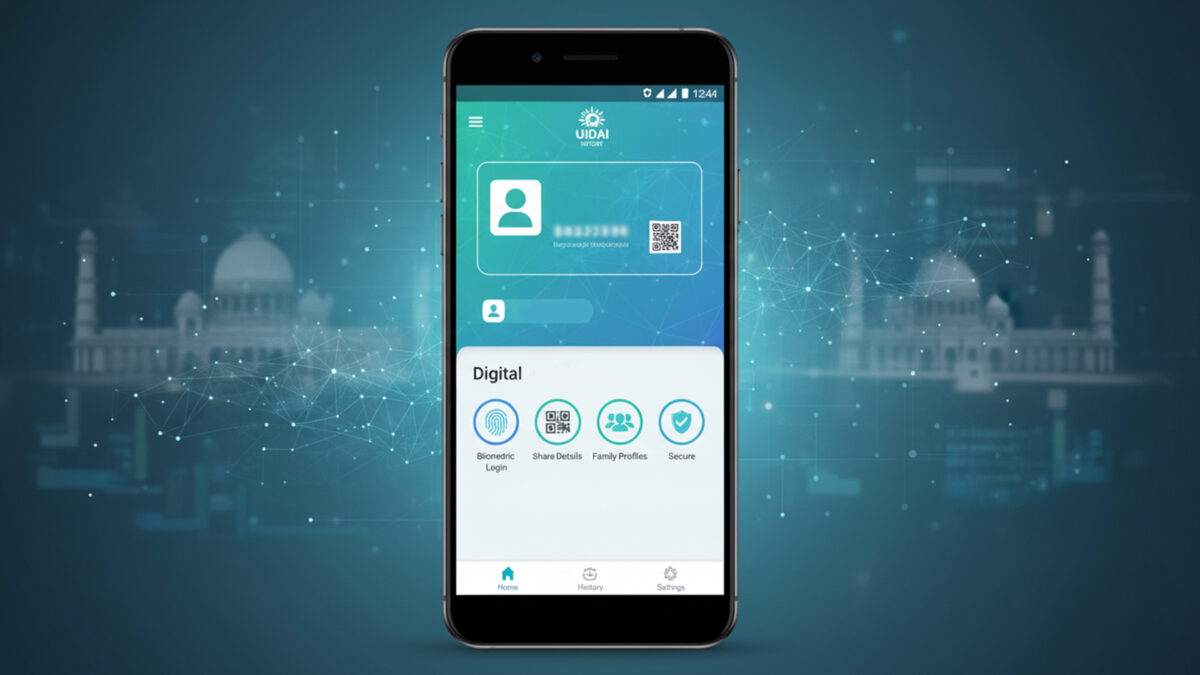
UIDAI ( Unique Identification Authority of India) has launched a new Aadhaar app for Android and iOS to simplify digital ID management. Users can now carry Aadhaar digitally, manage up to five family profiles, and control what information is shared during verification.

Key features include biometric security via fingerprint or face recognition, selective sharing of details, QR code verification, offline access, and a usage history log.

The app complements the existing mAadhaar app, which remains useful for downloading e-Aadhaar, ordering PVC cards, generating Virtual IDs, and updating contact information.

To set up, download the app, enter your 12-digit Aadhaar number, verify via OTP, complete face authentication, and set a six-digit PIN.

UIDAI says the app provides secure, privacy-conscious, and convenient digital Aadhaar access for Indian citizens.

Also Read: US, India ‘pretty near’ trade deal, tariffs could ease